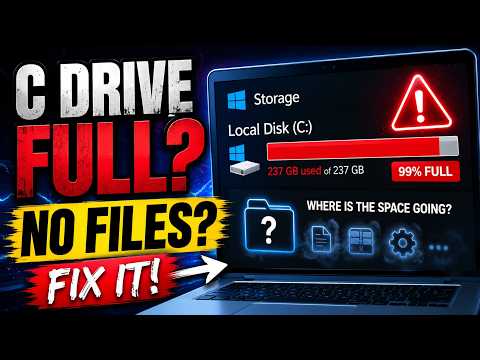
C Drive Full But No Files?
Find hidden storage, AppData, temporary files and Windows system data consuming C drive space.
Read the GuideFix C drive full problems, find hidden files and large folders, analyze disk usage with PowerShell or TreeSize and check HDD or SSD health on Windows 11 and Windows 10.
Find hidden storage, AppData, temporary files and Windows system data consuming C drive space.
Read the Guide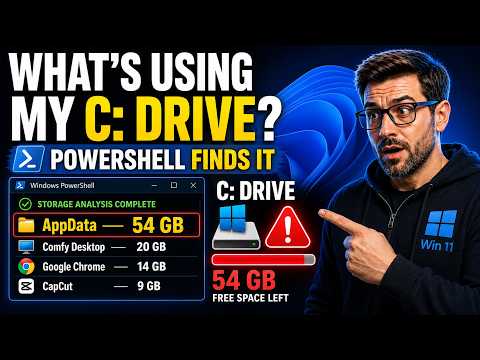
Find large files and folders, analyze C drive usage and investigate WinSxS storage with PowerShell and Windows tools.
Read the Guide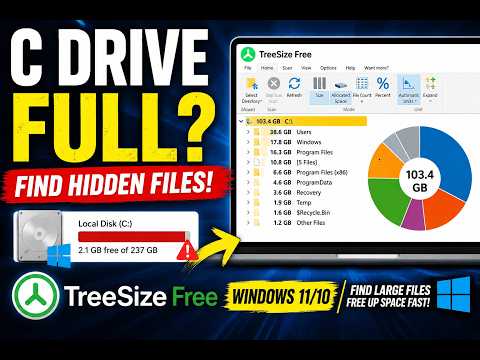
Use TreeSize Free to visually identify which folders and files are taking the most space on Windows.
Read the GuideInvestigate a large CapabilityAccessManager.db-wal file when Windows storage unexpectedly consumes the C drive.
Read the Guide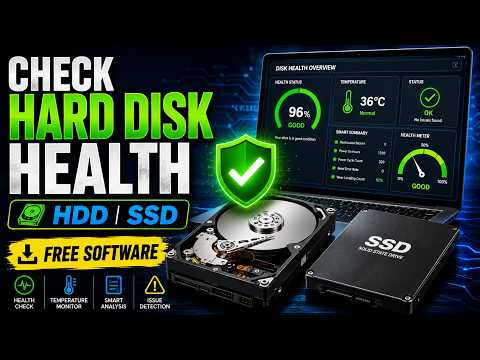
Check drive condition and investigate possible HDD or SSD health warnings on Windows.
Read the Guide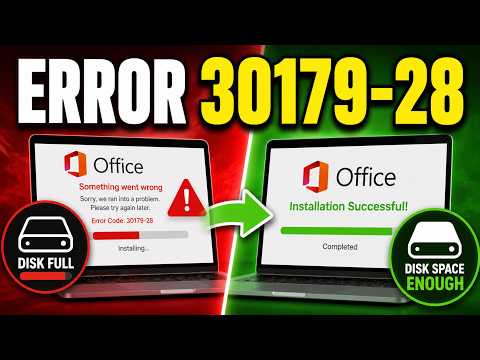
Fix Microsoft Office and Microsoft 365 installation problems caused by insufficient disk space.
Read the GuideWindows storage can be consumed by much more than personal files. Applications, temporary files, Windows updates, AppData, browser caches, system files, databases and restore information can all reduce available disk space.
A good troubleshooting process is to identify the largest storage categories first and then determine which application or Windows component owns the data before deleting anything.
If File Explorer does not clearly show what is consuming disk space, use a dedicated storage-analysis method.
TreeSize provides a visual view of folder sizes and can quickly highlight large directories.
PowerShell can search files and folders, calculate sizes and sort results to help administrators investigate storage from the command line.
Large files inside Windows or application folders can be required for normal system operation.
Never delete files from Windows, WinSxS, System32, ProgramData or application databases simply because they appear large.
Identify the file owner and use supported cleanup procedures.
Hidden folders, AppData, temporary files, Windows updates, application caches and system-managed files can use significant disk space without being obvious in normal File Explorer views.
TreeSize provides a convenient graphical view, while PowerShell can perform detailed command-line storage analysis.
No. AppData contains important application files. Identify the responsible application before removing data.
No. Disk capacity and disk health are different. A healthy drive can be full, while a drive with free space can still have hardware problems.