
Find Computer Serial Number Using CMD
Retrieve the system serial number from Windows Command Prompt or use PowerShell when WMIC is unavailable.
Read the GuidePractical Command Prompt guides for Windows troubleshooting, network investigation, serial numbers, system information, repair tools and everyday administration.
Retrieve the system serial number from Windows Command Prompt or use PowerShell when WMIC is unavailable.
Read the Guide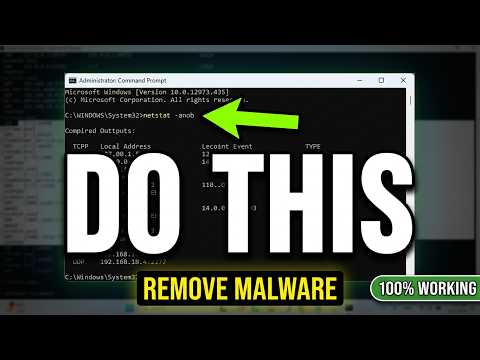
Inspect active connections, listening ports and process IDs when investigating suspicious Windows network activity.
Read the GuideShows detailed Windows system information.
Shows Windows IP configuration.
Tests basic network connectivity.
Performs DNS lookups.
Shows active connections and listening ports.
Shows running processes.
Scans protected Windows system files.
Repairs the Windows component store when appropriate.
Checks a file system and volume for errors.
Read a command before running it, especially commands that modify files, disks, services, boot settings, accounts or Windows configuration.